CodeExpander Pro
Type a few letters. Get the full text.
Type an abbreviation in any app. The full text expands in place.
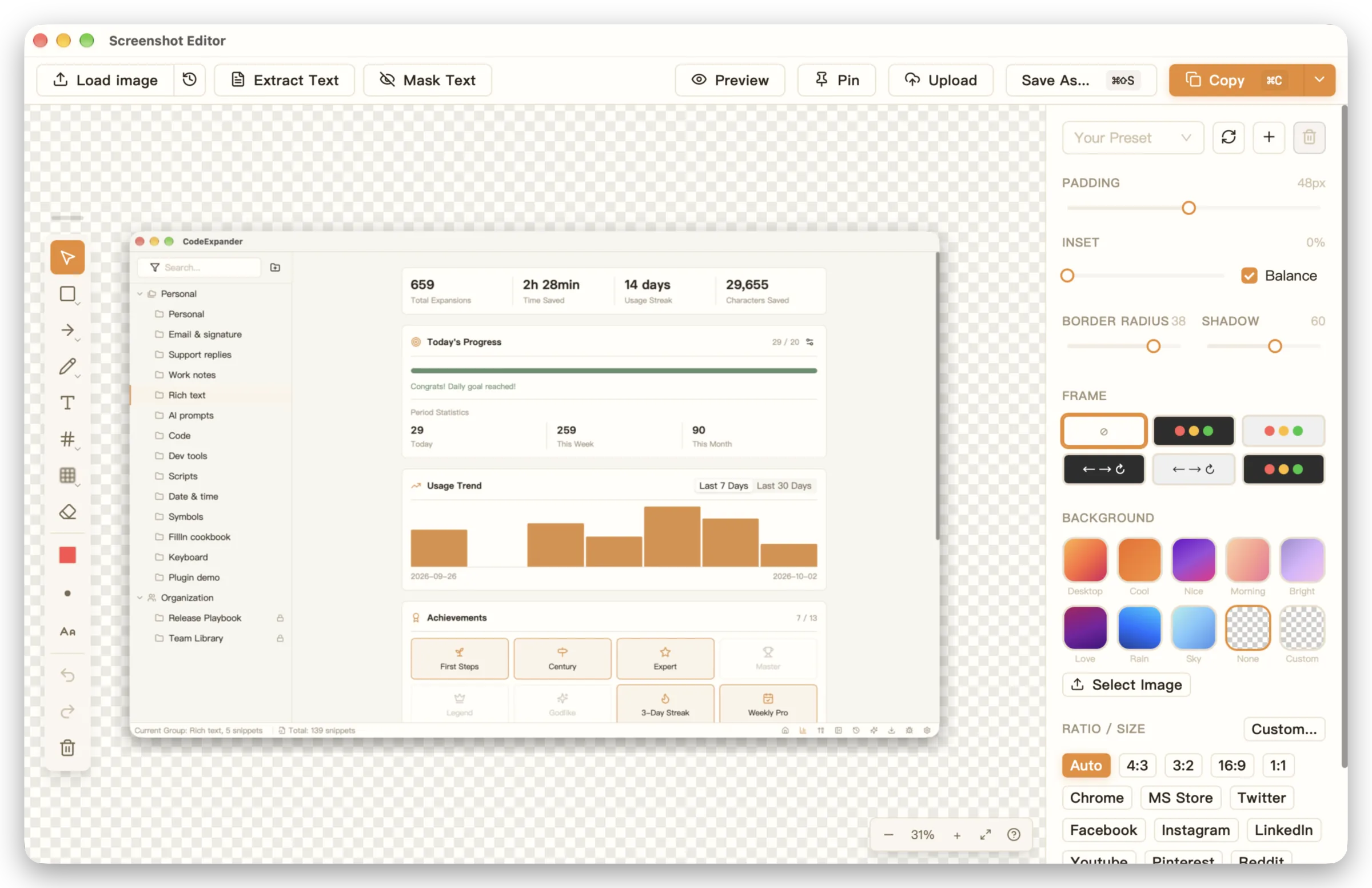
Capture, annotate, pin — one shortcut, start to finish.
Copy an error, type /fix — that becomes the prompt.
Snippets stay on your machine. Sync only to your own Gist.
- Native on Windows and macOS
- Snippets stay on your machine
- A free tier, no time limit
- Buy once, 3 devices
Features
Discover the ideal scenario for you

Plain Abbreviation
A few letters become the whole snippet, reply, or template. Tree groups, prefix inheritance, variables on demand. Built-in prompts like /review and /fix.
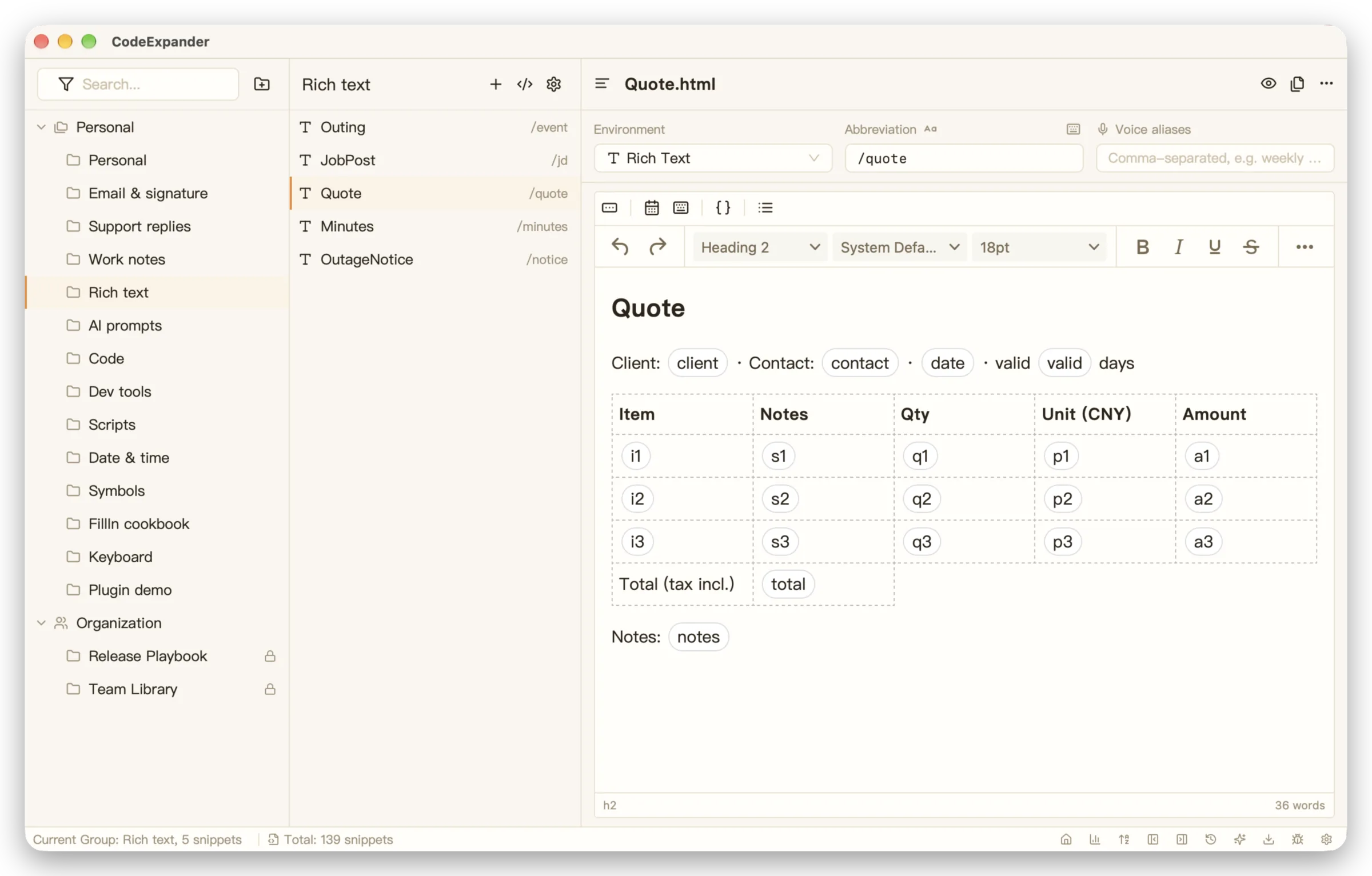
Rich Text Abbreviation
Snippets keep their formatting: bold, lists, links. Paste into email or notes with the layout intact.
Script Abbreviation
A few letters become the whole snippet, reply, or template. Tree groups, prefix inheritance, variables on demand. Built-in prompts like /review and /fix.
Search Bar Abbreviation
Forget the abbreviation? Type a keyword and the snippet appears. Press Enter to expand.
Voice expansion
Hold the hotkey, say an abbreviation, and the snippet expands. Configure a recognition channel first.
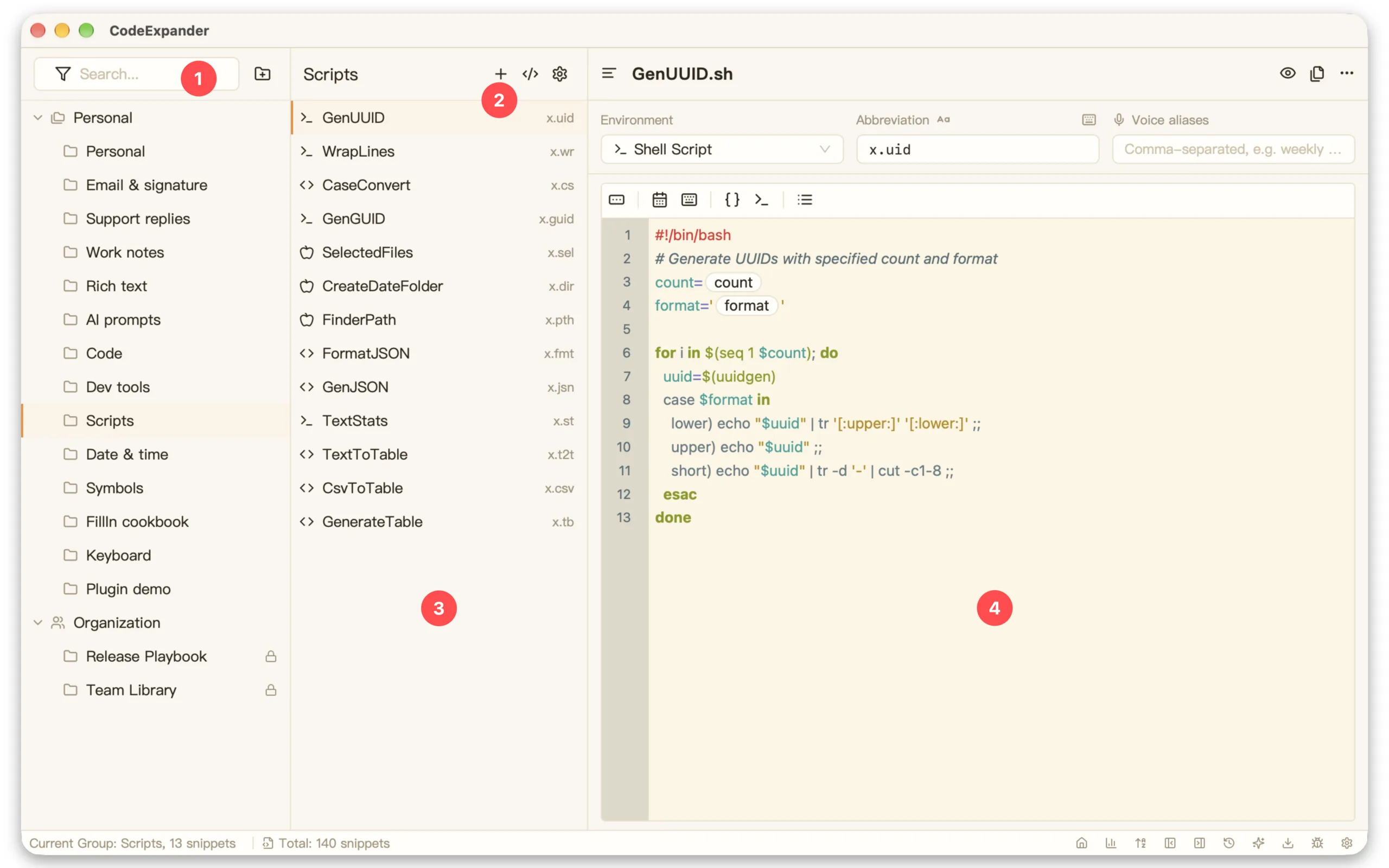
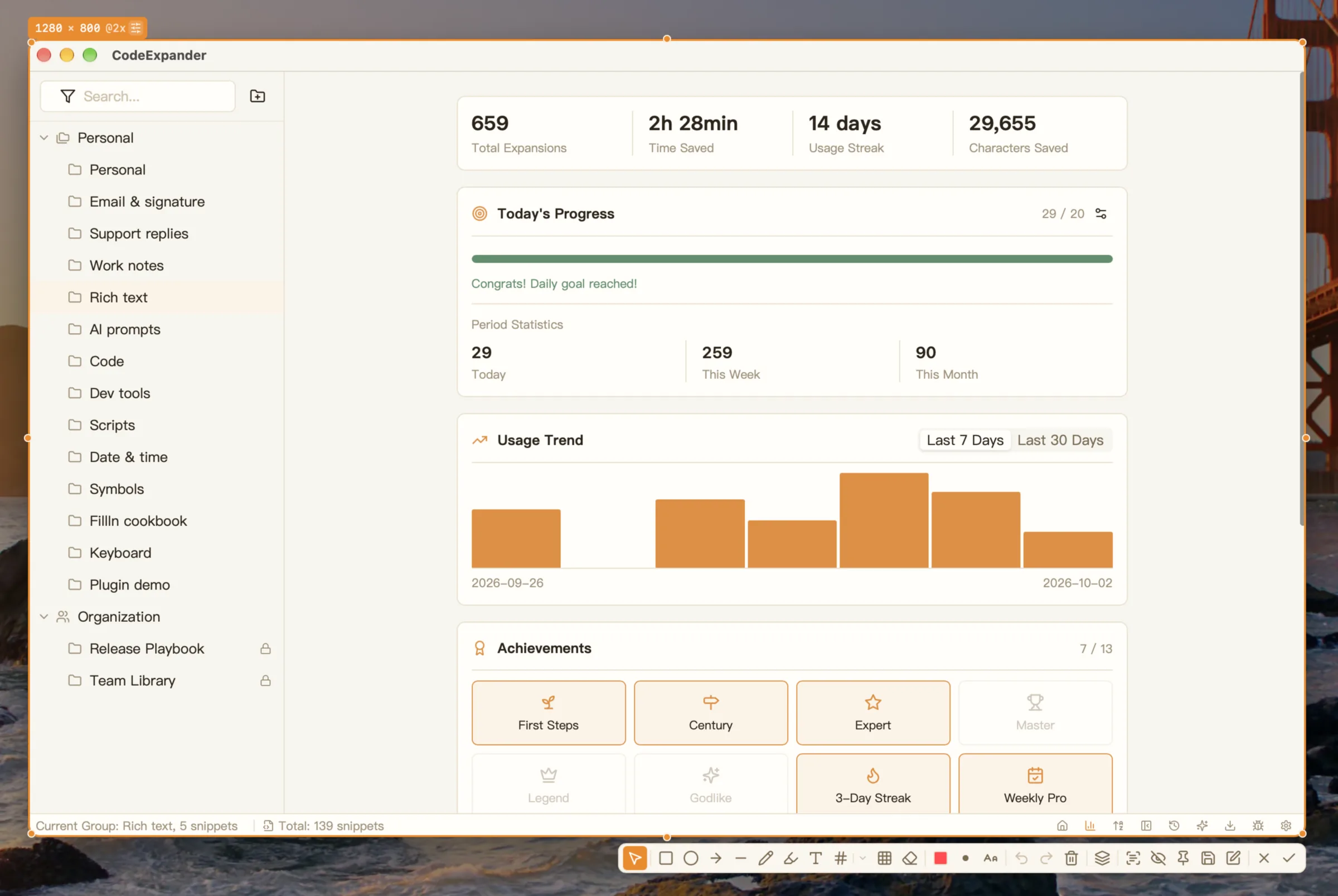
Screenshot & Annotation
Region, window, full screen, or scrolling capture. Blur, mosaic, highlight — then pin it on top.
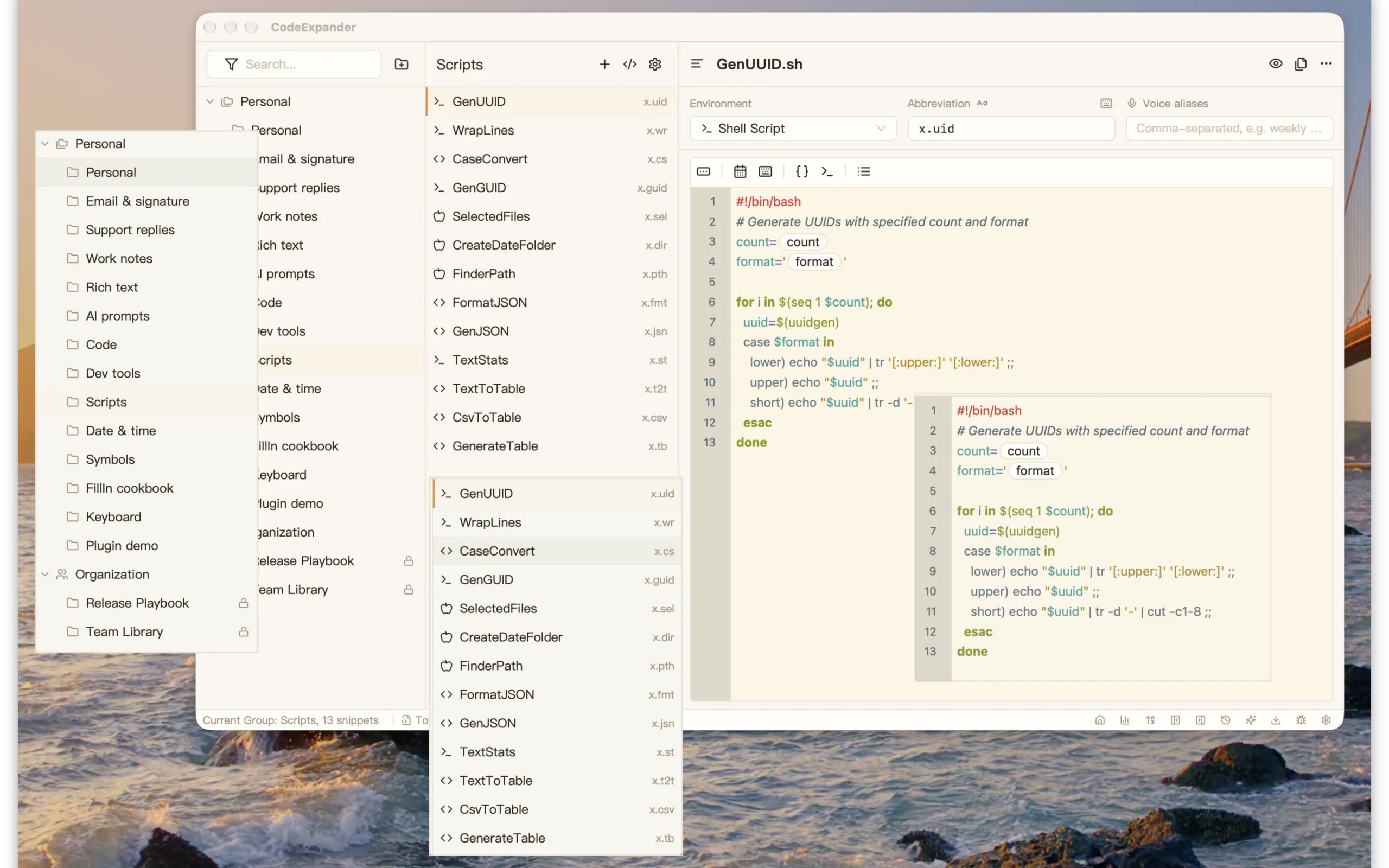
Screenshot Pin
Pin a screenshot as a floating window on top. Transparent, scalable, stays beside your work.
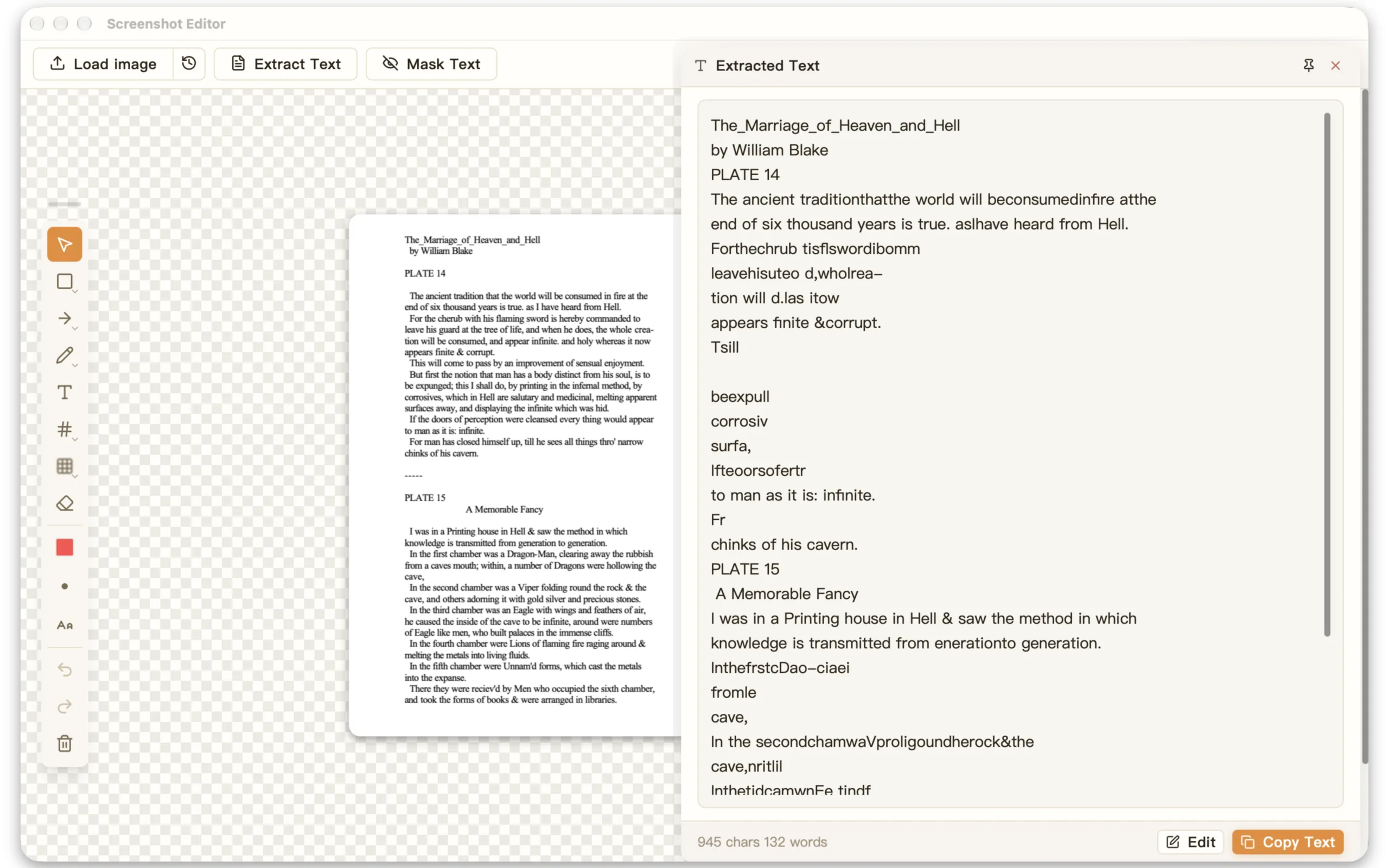
Screenshot OCR
Extract text straight from a screenshot. Paragraphs and line breaks kept, ready to copy or edit.
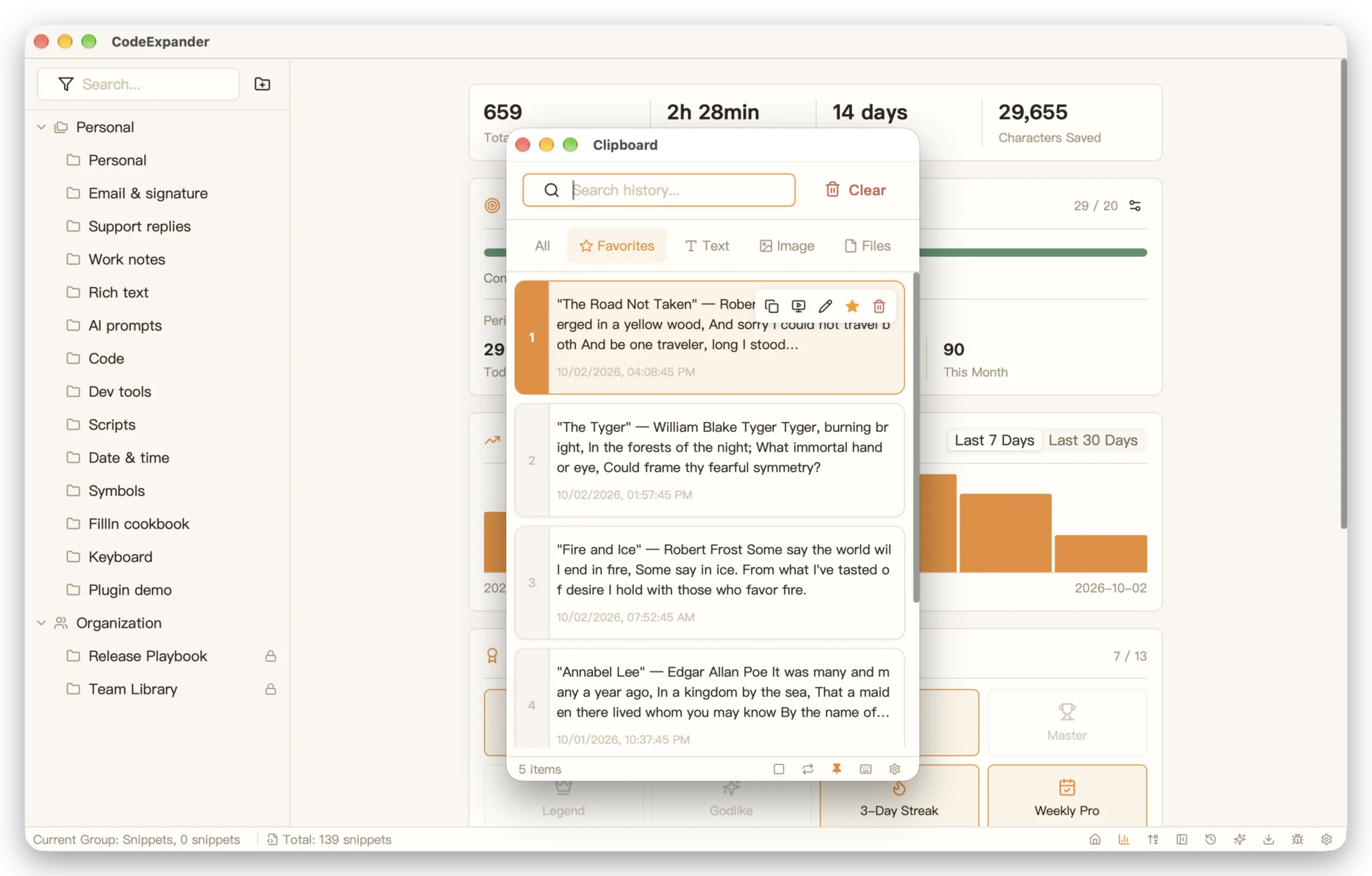
Clipboard History
Text, images, files: everything you copy stays. Search it, star it, paste it back. Set the limit; old items clean up.
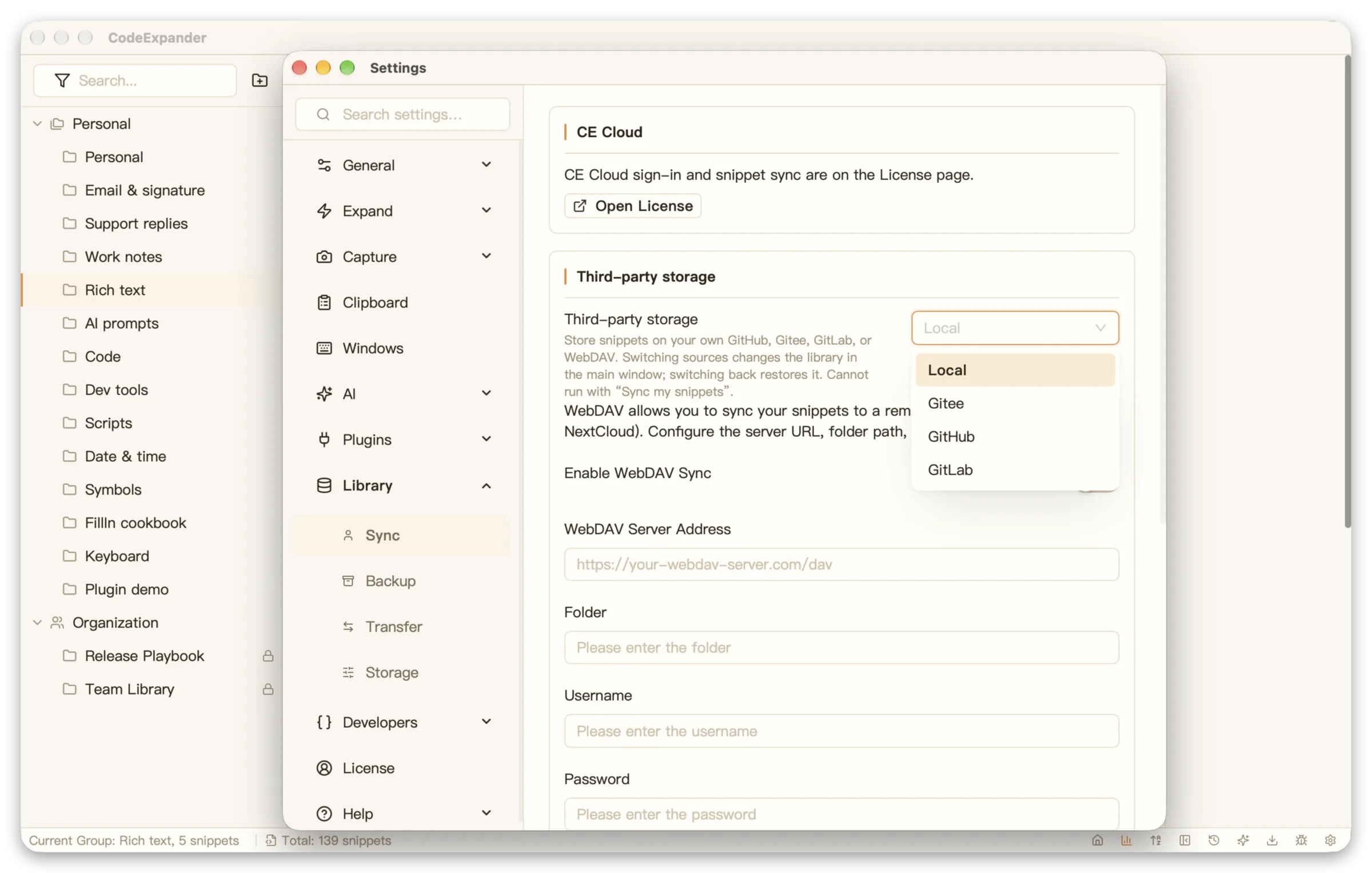
Cloud Sync
Sync to your own GitHub or Gitee Gist, or WebDAV. Your account, your data. Manual or automatic, with logs.
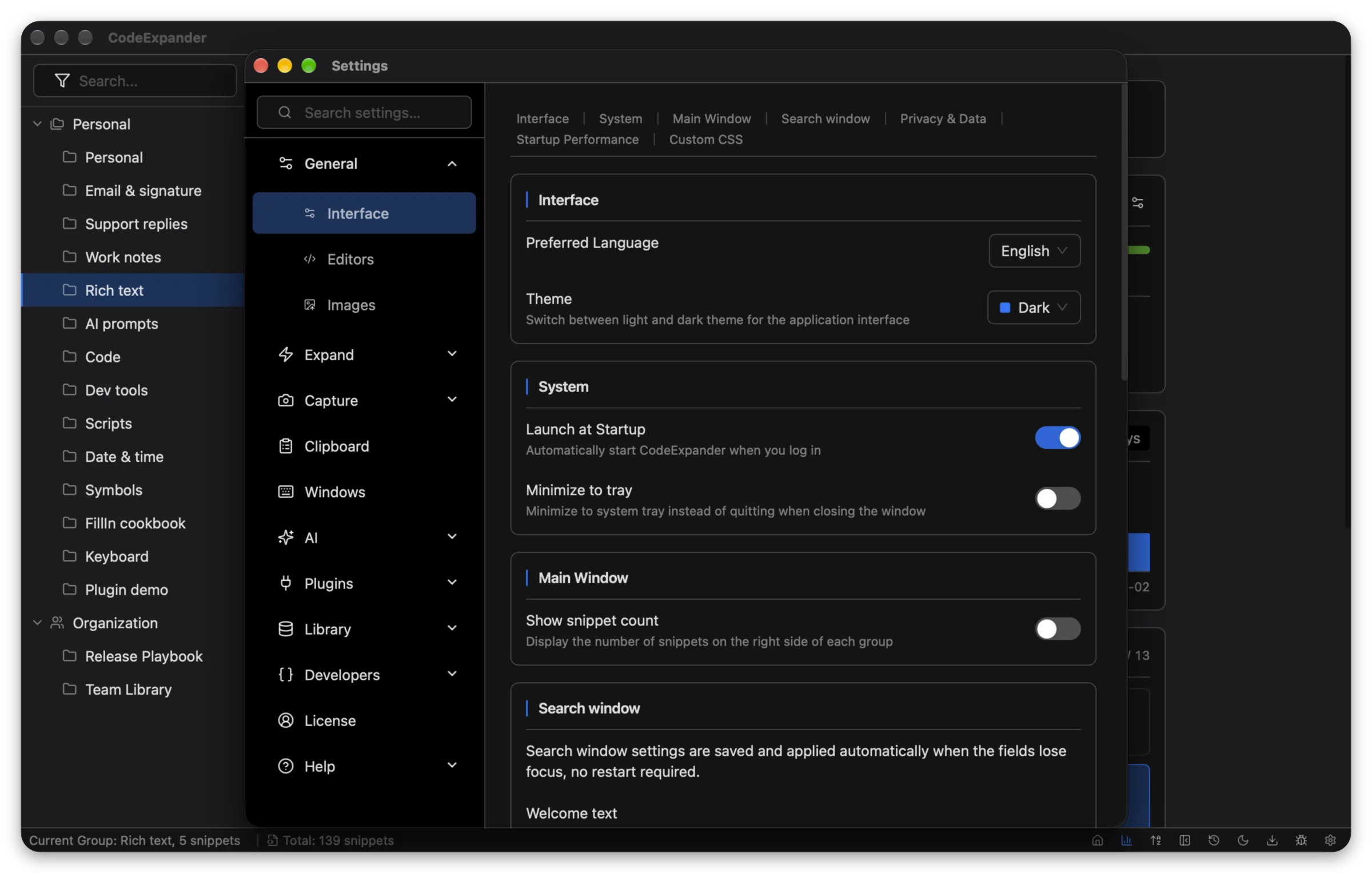
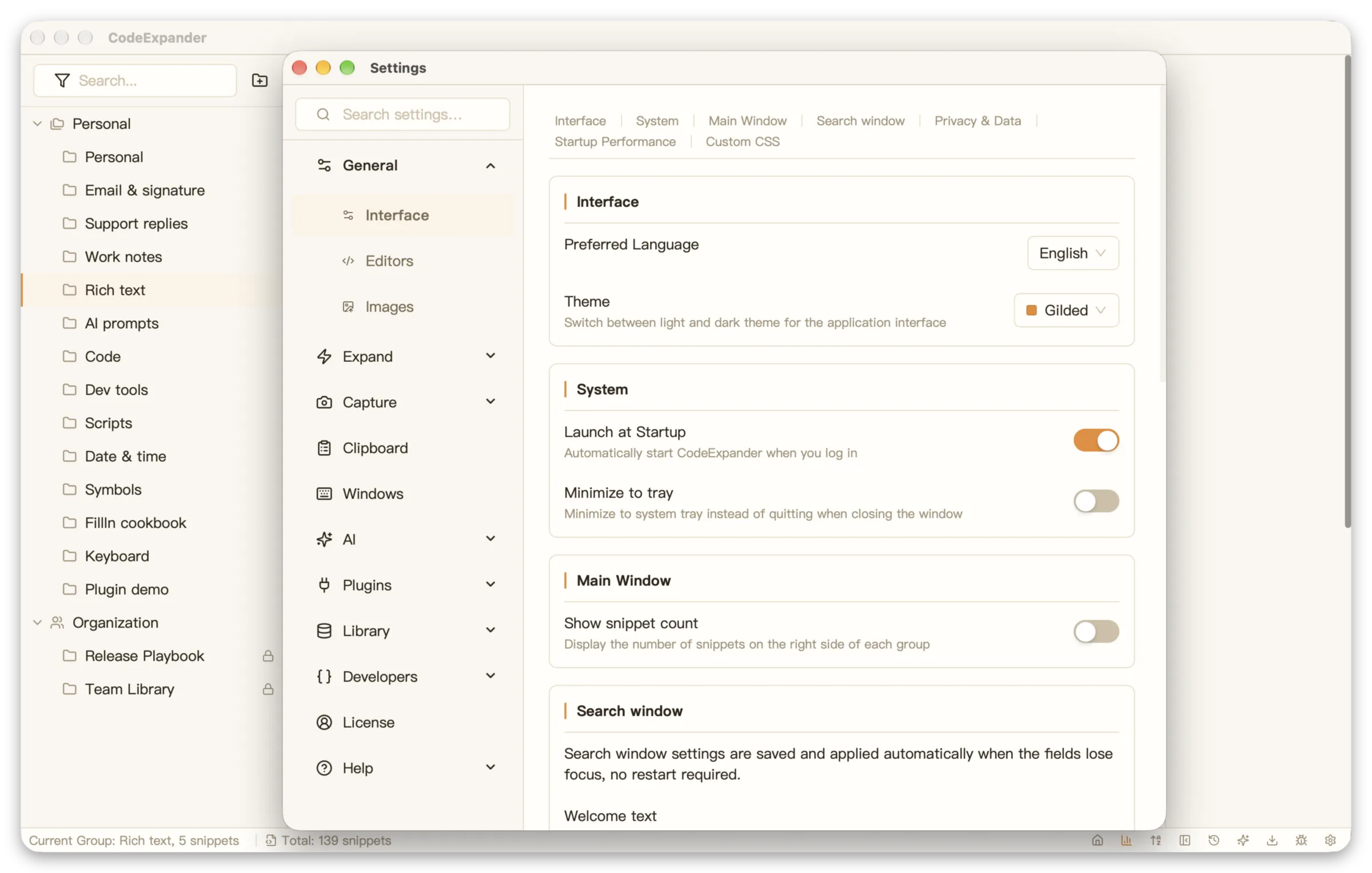
Custom Configuration
Theme, language, startup and tray options in one place. Changes apply instantly.
Buyout or cloud
One account can hold a yearly key and a lifetime key; the two clocks stay independent. Each key covers up to 3 devices — lifetime and yearly alike.
One payment, up to 3 devices. Yours for good. No CE Cloud.
Up to 3 devices per key; unbind to switch machines. GitHub, Gitee, and WebDAV keep working.
Free | Lifetime | |
|---|---|---|
| Content | ||
Devices | Unlimited | Up to 3 |
Access to Latest Versions | Included in Free | Included in Lifetime |
| Features | ||
Snippet System | Included in Free | Included in Lifetime |
Search & AI Assistant | Not included in Free | Included in Lifetime |
Screenshot & Annotation | Included in Free | Included in Lifetime |
Clipboard History | Included in Free | Included in Lifetime |
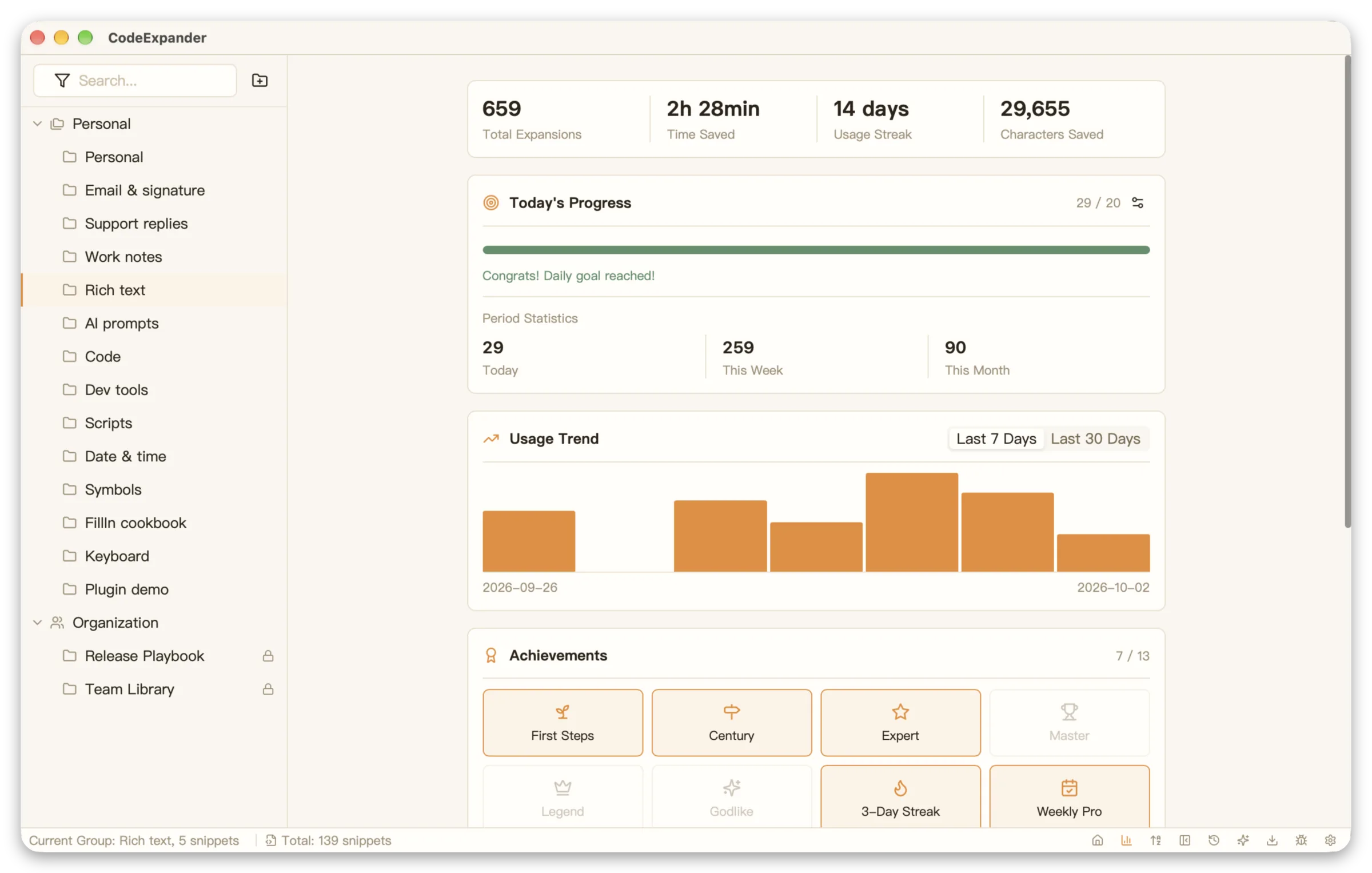
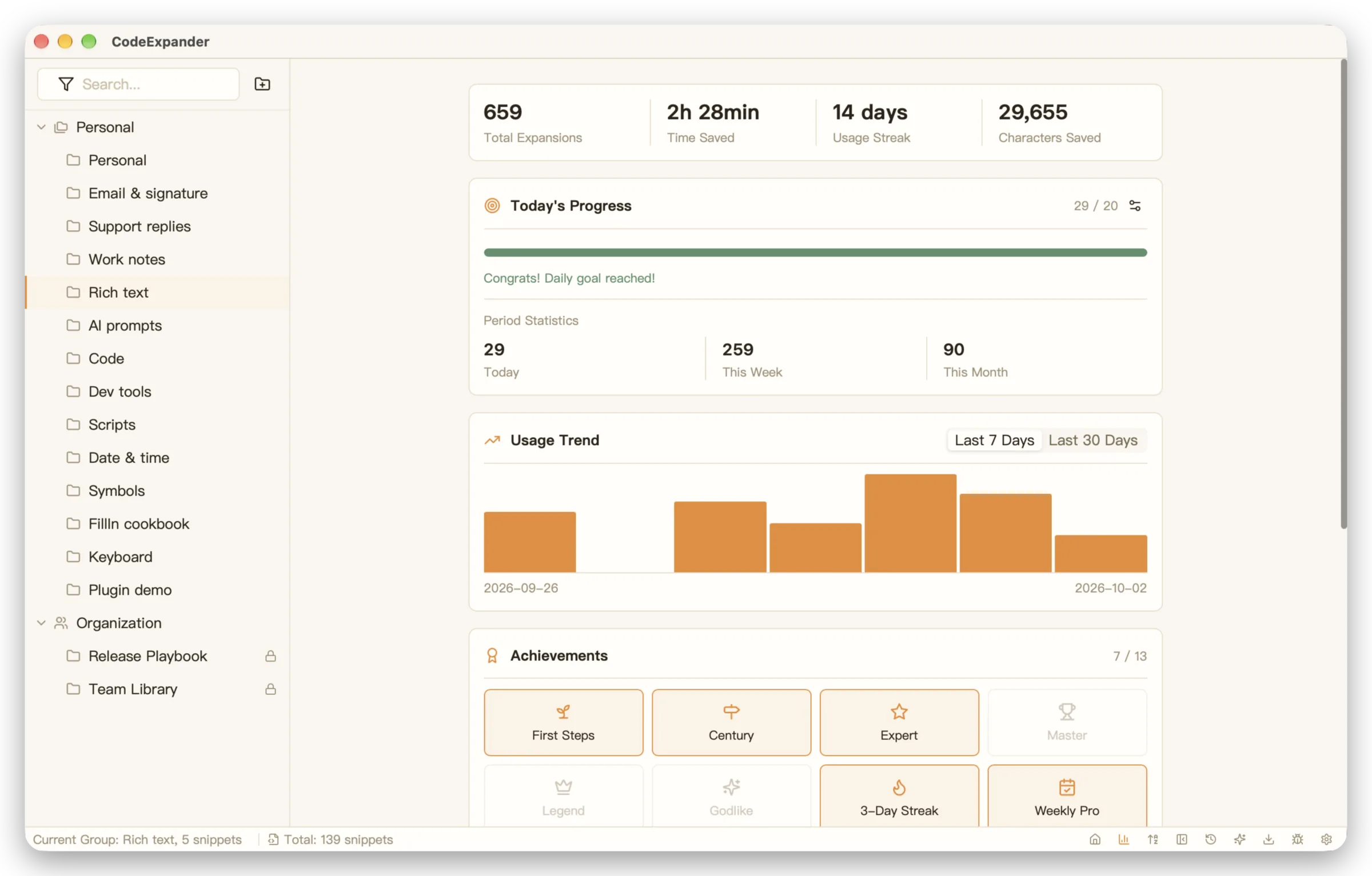
Usage Statistics | Included in Free | Included in Lifetime |
Sync & Backup | Not included in Free | Included in Lifetime |
Plugin System | Not included in Free | Included in Lifetime |
| Support | ||
Email Support | Not included in Free | Included in Lifetime |
Download
All downloads are secure and verified
FAQs
Frequently asked questions